Mastering Brevo WhatsApp Campaigns: Setup for Powerful Messaging
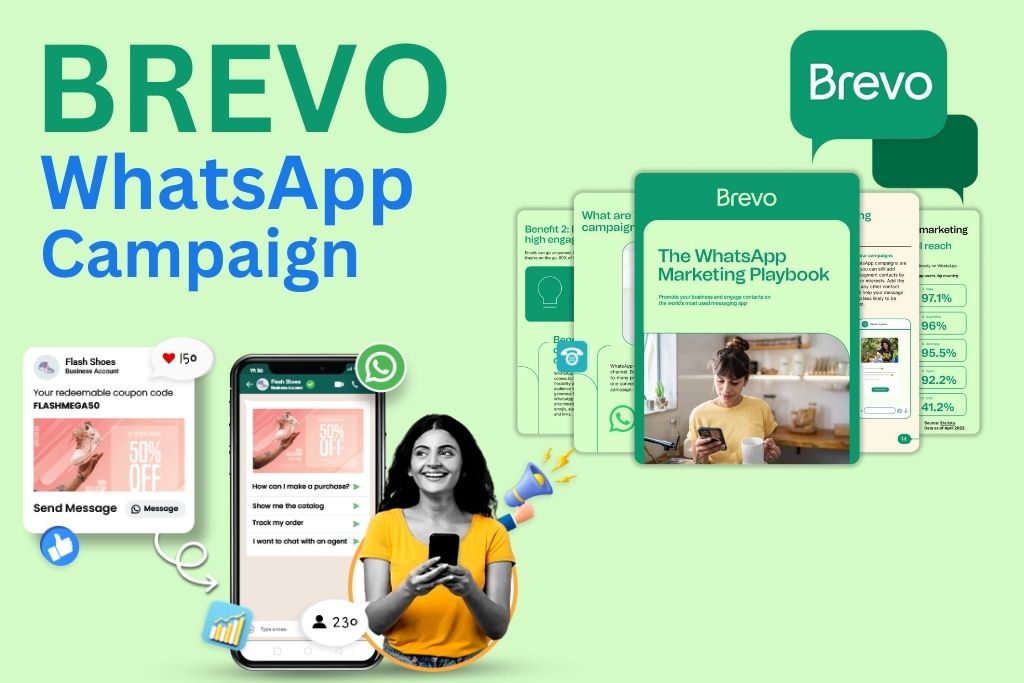
The rise of WhatsApp as a marketing and communication platform has transformed the way brands connect with customers. With billions of active users, WhatsApp remains one of the most impactful digital channels. Brevo, formerly known as Sendinblue, has introduced a seamless way to run WhatsApp broadcasts, promotions, and automated flows. In this ultimate guide, you’ll learn how to set up a Brevo WhatsApp campaign, optimize it for engagement, and use it to grow your business with confidence. Whether you’re running an eCommerce brand, a service business, or a startup, a well-structured Brevo WhatsApp campaign can significantly elevate your customer communication strategy.
Understanding the Power of Brevo WhatsApp Campaigns in 2025
A Brevo WhatsApp campaign is a messaging strategy that uses WhatsApp’s Business API integrated with Brevo to send promotional messages, alerts, reminders, and updates to customers. Brevo provides a unified platform to manage WhatsApp broadcast messages, templates, automation, and analytics from one dashboard.
The tool allows businesses to send rich-media messages, including images, buttons, transaction details, payment links, and personalized text. With conversational marketing on the rise, a Brevo WhatsApp campaign gives businesses an edge in response speed, conversion rates, and customer experience.
Why Choose Brevo for WhatsApp Marketing?
Brevo stands out from other communication platforms because it combines affordability, ease of use, and advanced automation features. While many companies struggle with the complexity of WhatsApp API approval, Brevo simplifies the entire process—from getting your business verified to launching your first campaign.
Brevo also offers real-time analytics, message tracking, customer segmentation, and personalization tools. These features make your Brevo WhatsApp campaign more effective and help you deliver tailored experiences to your audience.
Key Requirements for Setting Up a Brevo WhatsApp Campaign
Before setting up a campaign, there are essential requirements every brand must meet. Here is a detailed table outlining the basic prerequisites.
Requirements for a Brevo WhatsApp Campaign Setup
| Requirement | Details | Purpose |
| Brevo Account | Free or paid Brevo account | Access dashboard & messaging tools |
| WhatsApp Business Number | Verified phone number | Official sender identity |
| Meta Business Verification | Verified Business Manager | Allows WhatsApp API approval |
| WhatsApp Message Templates | Pre-approved message formats | Required for broadcasts |
| Customer Opt-In | User consent for messaging | Compliance & safety |
These prerequisites ensure smooth onboarding and efficient campaign execution through Brevo.
Step-by-Step Guide: How to Set Up Your Brevo WhatsApp Campaign
Setting up a Brevo WhatsApp campaign is simple when you follow a structured process. Below is a complete walkthrough that covers everything from verification to sending your first message.
Step 1: Connect WhatsApp Business API in Brevo
Begin by logging into your Brevo dashboard. Navigate to the Conversations & WhatsApp section and select the WhatsApp Business integration option. Brevo will guide you through a series of verification steps that include linking your Meta Business Manager and confirming your WhatsApp Business phone number.
Once verified, Brevo will automatically connect your number with the WhatsApp API, giving you access to message templates and campaign settings.
Step 2: Create a WhatsApp Message Template
WhatsApp requires all businesses to use pre-approved templates for campaign messages. Brevo allows you to create templates with placeholders, media, and buttons.
Your template can include:
- Customer name personalization
- Product images
- Call-to-action buttons
- Promo codes
- Transaction details
Submit the template inside Brevo and wait for Meta’s approval, which usually takes a few minutes to a few hours.
Step 3: Build Your Contacts List for Targeted Campaigns
A successful Brevo WhatsApp campaign depends on the quality of your audience. Ensure all contacts have explicitly opted in to receive WhatsApp messages.
Import your contacts into Brevo and use segmentation to classify them based on:
- Purchase behavior
- Interests
- Demographics
- Engagement history
This segmentation helps deliver highly personalized WhatsApp campaigns that increase click-through rates and conversions.
Step 4: Create and Customize Your WhatsApp Campaign in Brevo
Go to the Campaigns section and select WhatsApp Campaign. Choose your approved template and configure the message content. You can personalize placeholders with data such as name, location, or product preferences.
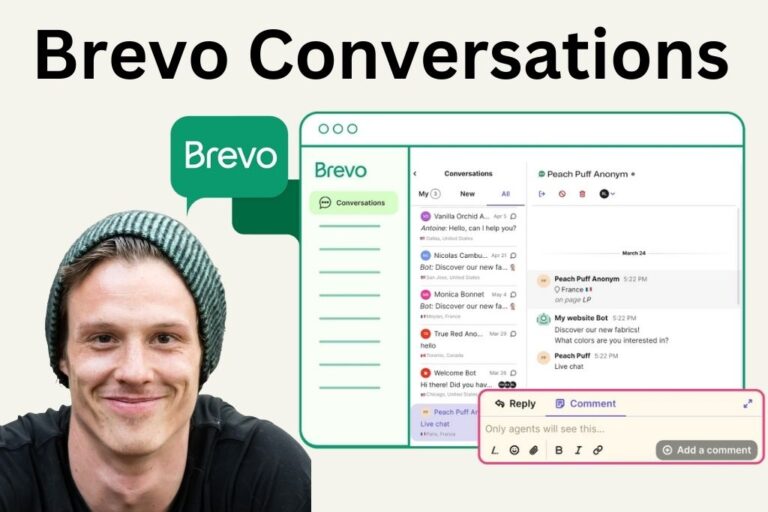
Read More: Brevo Conversations 2025: The Ultimate Hub for Modern Business
Brevo also allows you to attach:
- Media files
- Buttons linked to websites
- Reply options
- Deep links for apps
These elements make your campaign interactive and highly engaging.
Step 5: Schedule or Send Your WhatsApp Campaign
Brevo gives you the flexibility to send your campaign instantly or schedule it for a specific time. Scheduling helps optimize delivery based on customer activity hours, increasing open rates and response rates.
Once scheduled, Brevo processes the campaign through WhatsApp’s API and delivers it to your audience.
Step 6: Track Campaign Performance with Brevo Analytics
Brevo provides detailed analytics for every WhatsApp campaign. This includes:
- Delivery rate
- Read/open rate
- Click-through rate
- User responses
- Unsubscribe rate
Analyzing these metrics helps you refine future campaigns and improve ROI.
Benefits of Running a Brevo WhatsApp Campaign
A well-designed Brevo WhatsApp campaign offers several advantages:
- Instant communication with customers
- Higher open and engagement rates compared to SMS and email
- Ability to send personalized offers
- Faster lead conversion through real-time chat
- Omni-channel integration with email & SMS
These benefits make WhatsApp one of the most powerful marketing channels today.
Brevo WhatsApp Campaign Pricing Overview
Here is a simple breakdown of the pricing model for WhatsApp messaging in Brevo.
Brevo WhatsApp Campaign Pricing Structure
| Pricing Component | Description | Approx. Range* |
| API Setup | Included in Brevo plan | ₹0 |
| Message Template | Cost per approved message template | ₹3–₹7 per message |
| Conversation Fees | WhatsApp charges per 24-hour conversation window | ₹0.50–₹3 |
| Brevo Subscription | Access to WhatsApp + CRM tools | ₹900–₹3,000/month |
* May vary based on region and message type.
Best Practices for a High-Converting Brevo WhatsApp Campaign
To maximize your campaign impact, follow these proven practices:
- Use short, clear, and personalized messages
- Include strong call-to-action buttons
- Send campaigns during active hours
- Avoid sending too many promotional messages
- Keep templates visually attractive with images and emojis
These strategies help maintain high engagement and reduce opt-outs.
Conclusion: Start Scaling Your Marketing with Brevo WhatsApp Campaigns
A Brevo WhatsApp campaign is one of the most efficient ways to reach customers instantly and boost business growth. With Brevo’s simplified setup, intuitive dashboard, template approval system, and automation tools, businesses can easily run professional, impactful WhatsApp marketing campaigns.
Whether you want to send product updates, promotional codes, reminders, or personalized offers, Brevo gives you all the tools you need to create a seamless customer communication experience. If your business is ready to scale in 2025, mastering Brevo WhatsApp campaigns is the next big step.