How to use Brevo Email Marketing: Step-by-Step Process
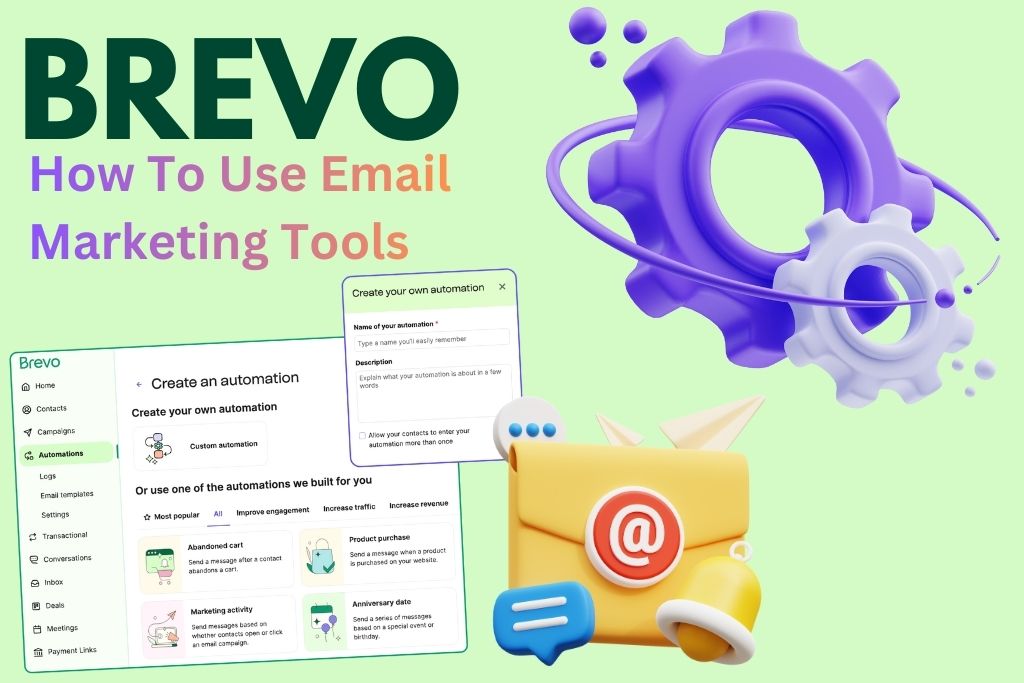
Email marketing continues to be one of the most powerful digital marketing strategies, offering high ROI, brand visibility, and customer engagement. Brevo, formerly known as Sendinblue, has made email marketing simpler, smarter, and more effective for businesses of all sizes. If you are looking to understand How to use Brevo Email marketing, this detailed guide will walk you through everything—from setup to campaign creation and optimization. With automation, templates, analytics, and personalization, Brevo offers all the tools you need for successful email campaigns.
What Is Brevo Email Marketing? A Simple Explanation
Brevo Email Marketing is a feature-rich system designed to help businesses send newsletters, promotional emails, transactional emails, and automated campaigns. It allows you to create stunning email designs, manage contacts, analyze performance, and run targeted campaigns.
Unlike many traditional email marketing tools, Brevo offers an easy interface, automation workflows, AI optimization, SMS marketing integration, CRM syncing, and budget-friendly plans. This makes it ideal for startups, agencies, eCommerce owners, and educators who want a complete solution for online communication.
Why You Should Choose Brevo for Email Marketing
Brevo stands out because it combines user-friendly design with enterprise-level email tools at an affordable price. When learning How to use Brevo Email marketing, you’ll discover that its drag-and-drop builder, automation workflows, and segmentation capabilities make it extremely efficient.
Businesses choose Brevo because it offers:
- Unlimited contact storage
- Beautiful email templates
- Real-time analytics and tracking
- High deliverability rates
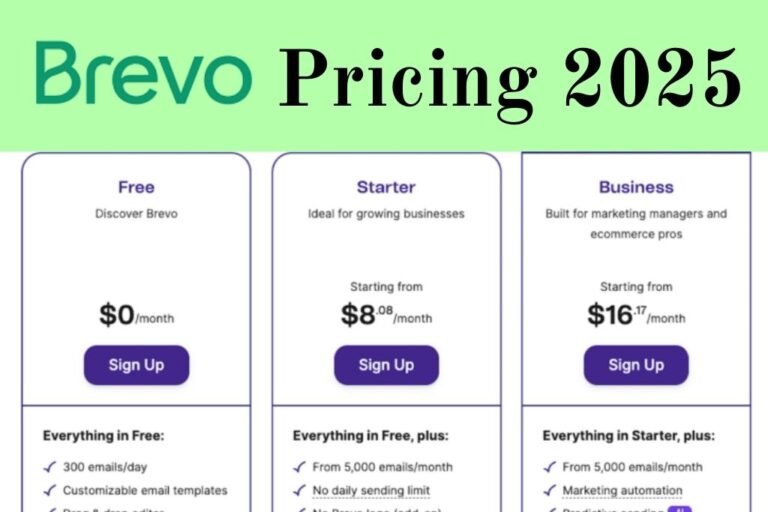
- Affordable pricing options
- All-in-one platform with WhatsApp, SMS, and CRM
These advantages make Brevo the perfect platform for modern email marketing strategies.
Requirements to Start Using Brevo Email Marketing
Setting up Brevo Email Marketing requires a few initial steps. The table below provides a quick overview of what you need.
Table: Basic Requirements for Using Brevo Email Marketing
| Requirement | Description | Purpose |
| Brevo Account | Free or paid plan | Access to dashboard and email tools |
| Email List | Imported or collected subscribers | To send campaigns |
| Sender Email Verification | Verify domain or email address | Improves deliverability |
| Email Template | Pre-designed layout or new design | For creating campaigns |
| Audience Segments | Groups created by behavior/demographics | Targeted messaging |
How to Use Brevo Email Marketing: Step-by-Step Guide
In this section, you will learn exactly How to use Brevo Email marketing with clear steps, making it easy for anyone to get started.
Step 1: Create Your Brevo Account and Access the Dashboard
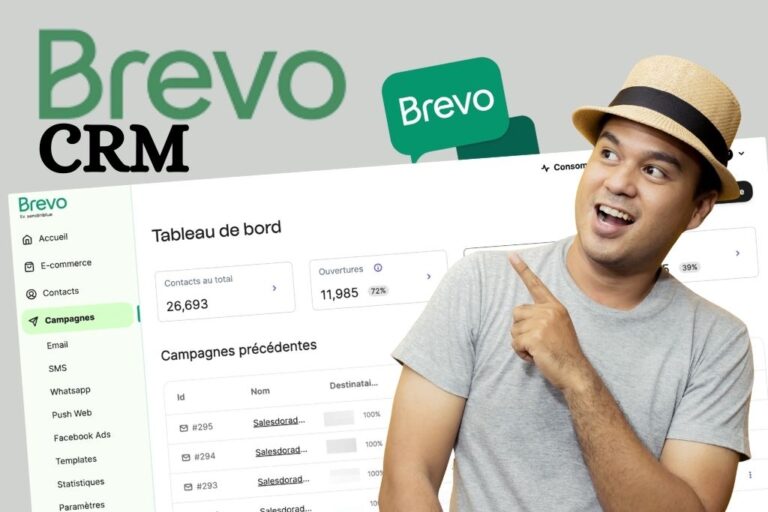
Visit the Brevo website and create your account. Once logged in, you will see a clean and intuitive dashboard. The Email section is easily visible, along with tools like Campaigns, Automation, Contacts, WhatsApp, and Chat.
The dashboard layout helps beginners understand the navigation quickly, making the overall process smooth and organized.
Step 2: Verify Your Sender Email or Domain
Before sending your first email campaign, you must verify your sender email. This ensures your messages do not land in spam.
You can verify quickly by:
- Adding your sender email address
- Confirming via OTP or link
- Connecting your domain for best deliverability
A verified sender identity improves trust and boosts open-rates significantly.
Step 3: Import or Add Contacts to Your Brevo Account
Brevo allows you to import contacts using:
- CSV files
- Manual input
- API connection
- Signup forms
Make sure all your contacts have opted in to receive email communication. You can also create tags, segments, and lists to organize your contacts efficiently.
Segmentation plays a major role in campaign success because it helps you target the right audience with the right message.
Step 4: Create Your First Email Campaign in Brevo
To begin a campaign, go to the Email Campaign section and click “Create New Campaign.” Enter basic details such as:
- Campaign name
- Subject line
- Preview text
- Sender name
These elements influence open-rates and should be crafted carefully. A compelling subject line often leads to higher engagement.
Step 5: Choose an Email Template or Build Your Own
Brevo provides dozens of professional templates for newsletters, promotions, announcements, and welcome emails. You can:
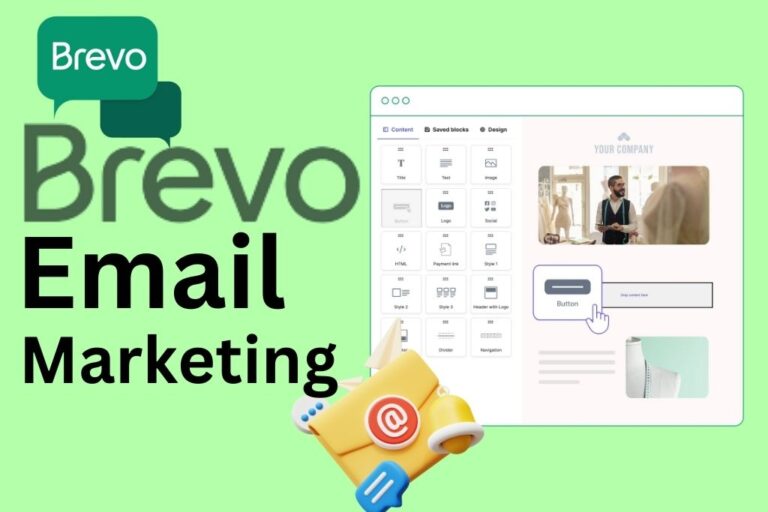
- Use drag-and-drop editor
- Customize fonts, colors, layouts
- Add images, buttons, and product showcases
- Insert personalized variables like {name}
The template builder is flexible, making it easy to design stunning emails in minutes.
Step 6: Add Personalization to Increase Engagement
Email personalization is one of the most powerful techniques in marketing. Brevo allows you to personalize:
- First names
- Browsing history
- Purchase behavior
- Geographic data
- Engagement patterns
By using dynamic content, your subscribers feel more connected to your brand, leading to higher conversion rates.
Step 7: Schedule or Send Your Email Campaign
After designing your email, you can either send it immediately or schedule it. Brevo also offers an AI send-time optimization feature for premium users, helping you send emails at the time when subscribers are most active.
This improves your open-rate and ensures maximum visibility for your campaign.
Step 8: Track and Analyze Campaign Performance
Once your campaign is sent, Brevo provides real-time analytics. You can monitor:
- Open-rate
- Click-through rate
- Bounce rate
- Unsubscribe rate
- Device performance
- Link heatmaps
Analyzing this data helps you improve future email strategies and refine your messaging.
Read More: Brevo Review 2025: Is This All-in-One Email Marketing Platform Worth It?
Advanced Tools to Boost Your Brevo Email Marketing Success
Brevo offers several advanced features that help you maximize results. Here is a quick comparison table of the top tools.
Table: Advanced Brevo Email Marketing Tools
| Feature | Purpose | Benefit |
| Automation Workflows | Trigger emails based on user actions | Better engagement |
| A/B Testing | Test subject lines & designs | Optimized conversion |
| CRM Integration | Store customer details | Personalized relationships |
| Transactional Emails | Order updates & alerts | Enhanced customer experience |
| Email Heatmaps | Visual click analysis | Improved design strategy |
Tips to Improve Your Brevo Email Marketing Strategy
To get the best out of Brevo Email Marketing, follow these expert tips:
- Use short, catchy subject lines
- Add clear call-to-action buttons
- Keep your email layout clean and mobile-friendly
- Use strong visuals and brand colors
- Test campaigns before sending
- Maintain list hygiene by removing inactive contacts
These strategies ensure higher conversions and stronger engagement.
Conclusion: Start Mastering Email Marketing with Brevo Today
Understanding How to use Brevo Email marketing is the first step toward building a powerful digital communication strategy. Brevo offers everything you need—templates, automation, analytics, segmentation, and strong deliverability. Whether you want to send newsletters, promotional campaigns, or automated sequences, Brevo simplifies the entire process.
With the right strategy and consistent optimization, Brevo Email Marketing can help grow your brand visibility, increase conversions, and build long-term customer relationships. Start using Brevo today and unlock the full potential of modern email marketing.